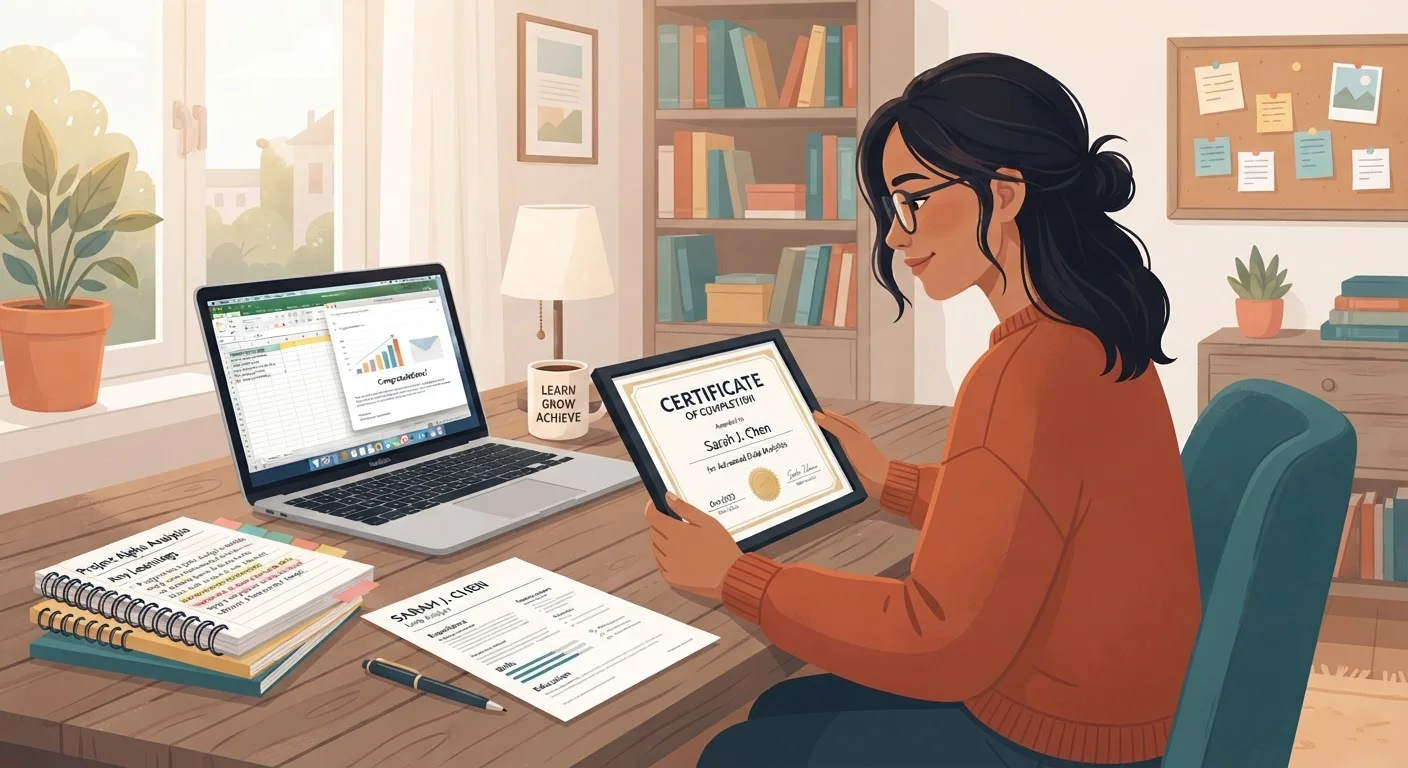
Why Completion Is Only the Beginning
Finishing a short course or earning an online certificate is a real achievement - but for most employers, it's also just a starting point for evaluation. The credential itself signals motivation and willingness to learn; what actually influences hiring decisions is how clearly you can demonstrate the competency behind it.
This checklist walks you through a practical post-completion workflow: archiving your materials properly, extracting evidence of skill, updating your professional profiles, and rehearsing how to talk about what you learned. Whether your certificate came from a free platform or a paid program, the steps that follow completion are largely the same.
For a broader look at how employers evaluate free versus paid credentials, see our article Free Certificates vs. Paid Degrees: What Employers Actually Notice.
Archive and Verify Your Credential
Extract and Document Your Skills
Update Your Professional Profiles
Prepare to Speak About It
Tailor for Each Application
Tools That Support the Process
You don't need expensive software to complete this checklist effectively. The following tools cover every stage, from archiving your credential to updating your professional presence.
Google Drive or Dropbox
Store and organize your certificate PDFs, syllabi, and project files in a single accessible location.
LinkedIn (free account)
Add your credential to the Licenses & Certifications section and update your Skills to improve recruiter searchability.
A plain-text or word processor document
Draft your skills list, project descriptions, and spoken talking points before adding them to formal application materials.
GitHub, Behance, or a personal website
Host and publicly share project work completed during the course so employers can view verifiable output.
JobScan or a similar ATS keyword tool
Compare your resume keywords against a specific job description to identify gaps before submitting an application.
Putting It All Together on Your Resume and LinkedIn
Once you've gathered your evidence and rehearsed your narrative, the final step is consistent, credible presentation across your job-search materials. Placement on your resume matters: a short course typically belongs in a dedicated Education or Certifications section, listed with the platform name, course title, and year of completion. If the project you completed is especially relevant, you can reference it briefly under the entry or in a Projects section.
On LinkedIn, adding the credential under Licenses & Certifications - including the issuing organization and credential URL if available - makes it verifiable and searchable. The Skills section is a complementary place to list the specific competencies covered in the course, since recruiters frequently search by skill keyword.
Avoid Overstating the Credential's Scope
Listing a certificate does not imply the same depth of training as a degree or multi-year professional program, and experienced interviewers will probe accordingly. Be precise: describe what the course covered, at what level, and for how long. Framing your credential accurately - rather than inflating it - builds interviewer trust and sets realistic expectations on both sides.
For detailed guidance on framing independent learning across both platforms, see Making Free Learning Count on Your CV or LinkedIn Profile. And when you're ready to discuss your credential in an interview, Talking About Self-Taught Skills in a Job Interview offers practical framing strategies. If you're thinking further ahead, Understanding Stackable Credentials explains how short courses can ladder toward larger qualifications over time.